


Download TREBEL – Free Offline Music App, Offline Music Player, No Ads, No Subscription
Overview
TREBEL is a desktop application designed to deliver a seamless, ad-free music listening experience, primarily tailored for users seeking free, offline access to a wide variety of songs across multiple genres. The software enables users to discover and play music without requiring a subscription, in-app purchases, or internet connectivity after initial access. It is developed by MM Media Inc., a company known for creating accessible entertainment tools focused on user convenience. The application supports on-demand playback, allowing listeners to enjoy their favorite tracks instantly, whether they're exploring new music or revisiting classic hits.
Target users include casual listeners, music enthusiasts, and individuals looking for a lightweight, no-frills music player that operates independently of online services. Real-world use cases include commuting, studying, working out, or relaxing at home—scenarios where uninterrupted, offline playback is essential. The software does not require account creation or data sharing, emphasizing privacy and simplicity. The developer did not provide additional details about the software’s background beyond its name and developer.
Key Features & Capabilities
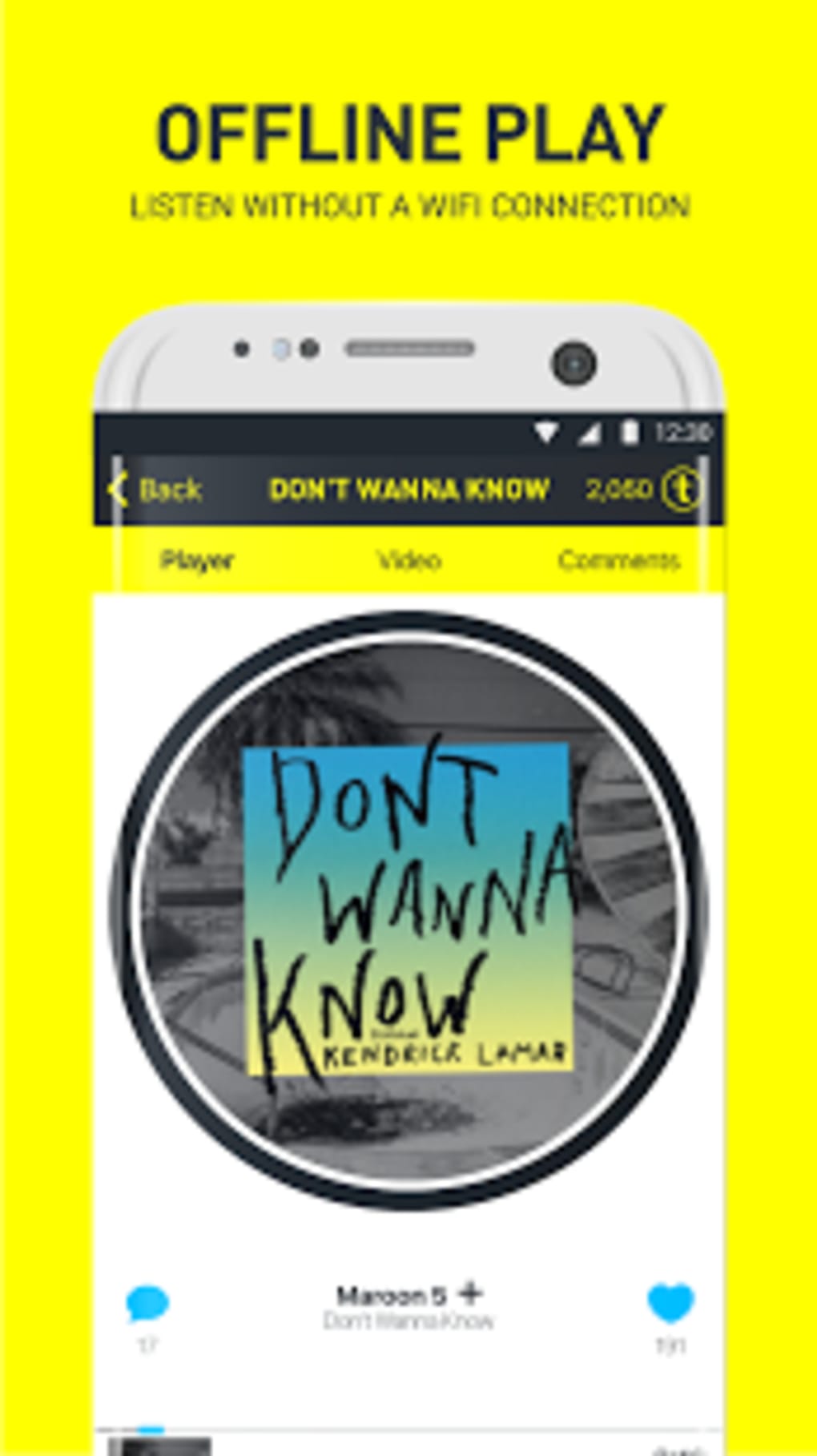
- Offline Music Playback – Users can download and listen to songs without an internet connection, ideal for travel or areas with limited connectivity.
- Genre-Based Playlists – Curated playlists are organized by genre, including hip hop, indie rock, pop, and R&B, making it easy to discover music aligned with personal taste.
- Instant On-Demand Access – Songs play immediately upon selection, eliminating buffering or waiting times common in streaming services.
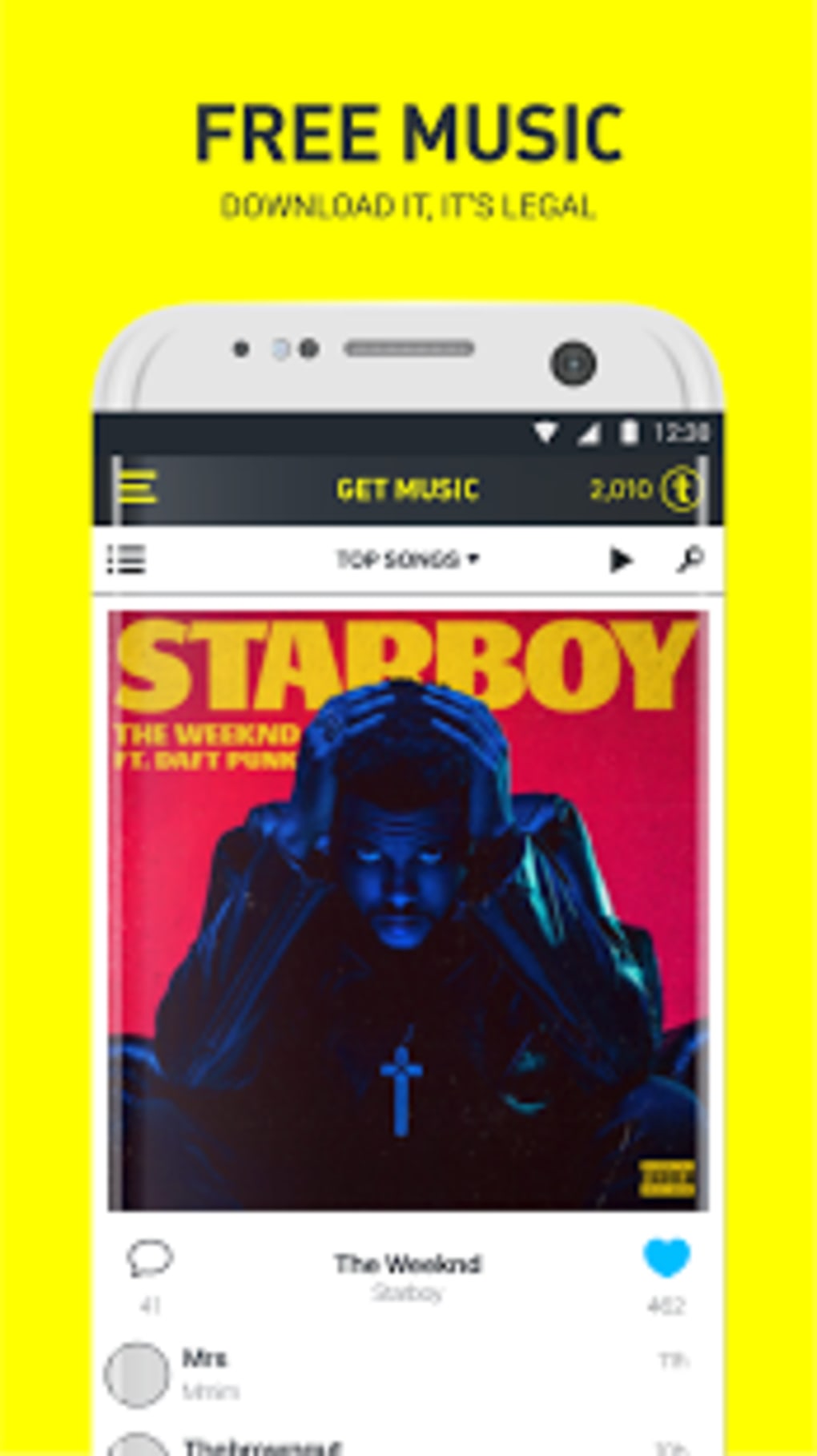
- Ad-Free Experience – The application operates without advertisements, in-app purchases, or subscription fees, ensuring uninterrupted listening.
- Free-to-Use Model – No cost is associated with downloading or using the software, making it accessible to a broad audience.
These features cater to users who value simplicity, privacy, and full control over their music library. For example, a student can download a playlist of focus-enhancing instrumental tracks before entering a library, or a traveler can pre-load favorite songs for a long flight. The software’s design prioritizes functionality over complex customization, offering a straightforward interface focused solely on playback and discovery.
User Interface, Workflow & Performance
The user interface of TREBEL is designed with minimalism in mind, focusing on ease of navigation and quick access to music. The layout likely features a central playback area, genre navigation panels, and a searchable playlist library. Users can browse by genre, select a track, and begin playback with a single tap, streamlining the listening workflow.
Workflow efficiency is enhanced by the absence of login steps, account setup, or data collection. The software appears optimized for immediate use after installation. However, exact performance details were not specified.
The developer did not provide information about CPU or RAM usage, so general behavior patterns suggest stable operation under typical conditions. Stability during long playback sessions or when handling large music libraries is expected but not confirmed. The software’s performance may vary depending on system resources and the size of the local music cache.
Compatibility & System Requirements
TREBEL is available as a desktop application for Windows and Mac operating systems, though specific version numbers were not listed. The installation size is reported as 100 MB, indicating a lightweight footprint suitable for most modern desktop environments. The developer did not specify exact system requirements, including processor type, RAM, or disk space beyond the file size. Compatibility information was partially provided, leaving users to assess suitability based on their system’s general capabilities.
Given the software’s focus on offline playback, it likely functions without requiring constant internet access after initial setup. However, the need for an initial download or sync phase may depend on the user’s configuration. The developer did not specify whether the software supports older operating system versions or requires elevated permissions during installation.
Pros and Cons
Pros
- Complete ad-free experience with no in-app purchases or subscriptions
- Supports offline playback for uninterrupted listening
- Free to download and use with no hidden costs
- Genre-based playlists simplify music discovery
- Lightweight installation size (100 MB)
Cons
- No information provided about system requirements or hardware compatibility
- Exact performance metrics such as CPU or RAM usage were not disclosed
- Limited details on update frequency or software maintenance
- Developer background and support channels are not publicly available
- No mention of cloud sync or cross-device access
FAQ Section
Is TREBEL available for Windows and Mac?
Yes, TREBEL is designed as a desktop application for both Windows and Mac operating systems.
Does TREBEL require an internet connection to play music?
Once songs are downloaded, TREBEL allows offline playback without requiring an internet connection.
Is TREBEL safe to download and use?
As a free desktop application, TREBEL is designed to operate without ads or data collection. However, users should ensure they download the software from official or trusted sources to maintain security.
Are updates available for TREBEL?
Update frequency and availability were not specified by the developer.
Can I use TREBEL without creating an account?
Yes, TREBEL does not require account creation or login to access its core features.
Final Thoughts
TREBEL presents a compelling option for users seeking a free, ad-free, and offline-capable music player. Its focus on simplicity, instant access, and genre-based curation makes it ideal for casual listeners and those who prioritize privacy and uninterrupted playback. While detailed technical specifications are limited, the software’s lightweight nature and straightforward design suggest reliable performance on most modern desktop systems. The absence of subscriptions, ads, or in-app purchases is a significant advantage in today’s digital landscape.
For individuals who value control over their music library and want a no-nonsense listening experience, TREBEL stands out as a strong choice. Despite the lack of detailed system information, its core functionality remains robust and user-focused. Download TREBEL now and enjoy your favorite music anytime, anywhere—without restrictions.






.png)
